Best Gaming Motherboards for Beginners in India
Choosing the right motherboard is an important step when building a gaming computer. The Best Gaming Motherboards for Beginners in India should offer good performance, hardware compatibility, reliability, and future upgrade options. A motherboard connects essential components such as the processor, RAM, graphics card, and storage devices. Beginners should understand motherboard features before purchasing to avoid compatibility issues and unnecessary expenses. Whether you are planning a budget gaming PC or a powerful gaming setup, selecting the right motherboard can make a big difference.
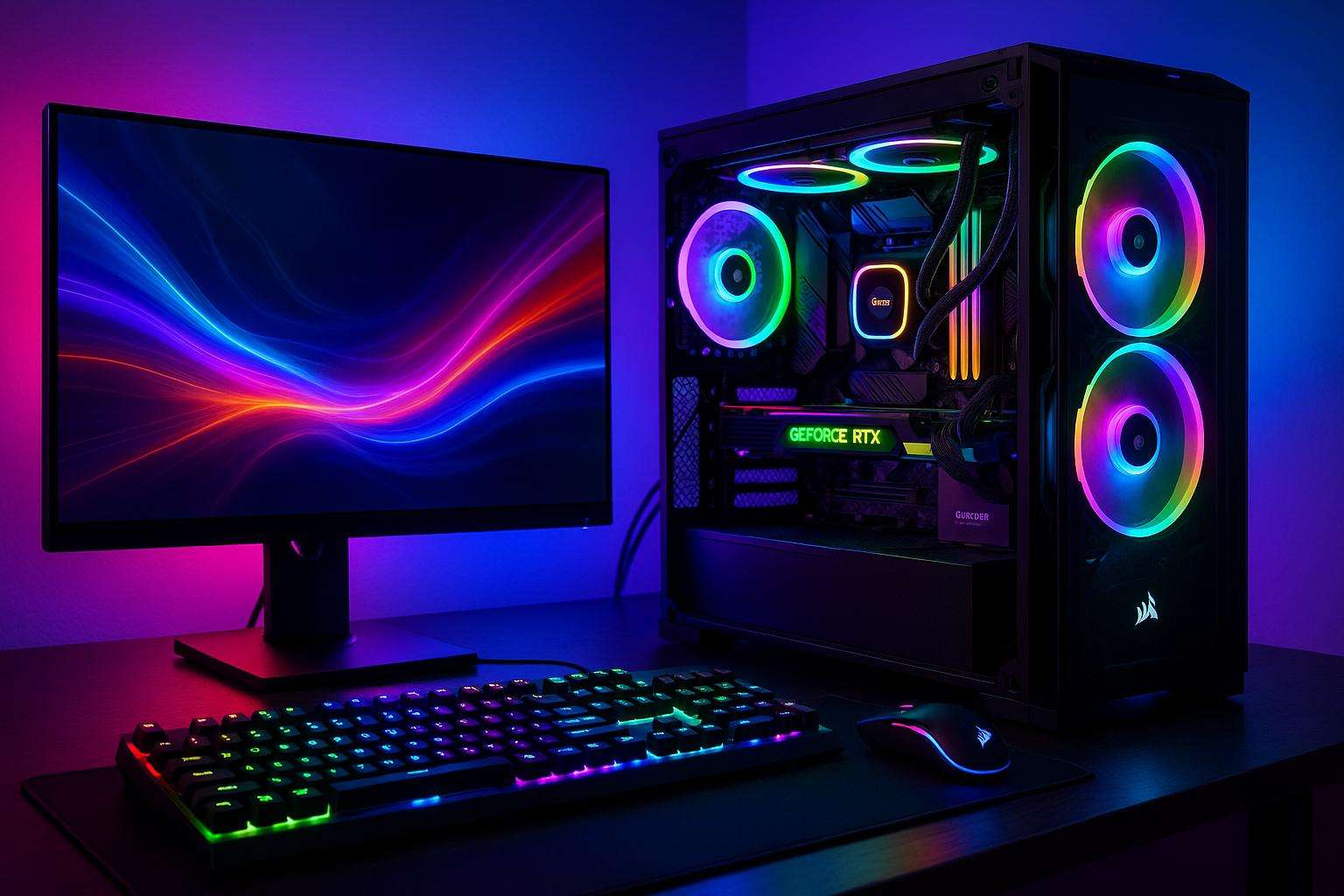
1. What Is a Gaming Motherboard?
A motherboard is the main circuit board of a computer. It connects all hardware components and allows them to communicate with each other. A good gaming motherboard provides stable performance, multiple connectivity options, memory support, and expansion slots. It also determines which processor and RAM types you can use in your computer.
2. Choose the Right Motherboard for Your Processor
Processor compatibility is one of the most important factors when selecting a motherboard.
AMD Motherboards:
AMD users can explore different motherboard chipsets depending on their processor requirements.
- A520: Suitable for basic budget PC builds.
- B550: A popular option for compatible Ryzen processors.
- B650: Designed for supported Ryzen 7000-series and newer AM5 processors.
Intel Motherboards:
Intel users should choose a motherboard according to their processor generation and socket requirements.
- H610: A budget-friendly option for compatible Intel processors.
- B760: Suitable for many mid-range gaming PC configurations.
- Z790: Offers advanced features for compatible Intel processors.
Always check the exact CPU support list before purchasing a motherboard.
3. Check DDR4 and DDR5 RAM Support
RAM compatibility is another important consideration. Some motherboards support DDR4 memory, while others support DDR5 memory. These memory types are not interchangeable.
For beginners, 16GB RAM is a practical starting point for many gaming setups. Users who run demanding games, streaming applications, and editing software may consider 32GB RAM. Check the motherboard’s maximum memory capacity and supported RAM speeds before purchasing.
4. Consider Graphics Card Compatibility
A gaming motherboard should provide a suitable PCIe x16 slot for installing a dedicated graphics card. Most modern gaming motherboards support graphics cards from NVIDIA GeForce and AMD Radeon.
Before purchasing, check the graphics card dimensions, cabinet clearance, and motherboard expansion slots. A compatible motherboard and graphics card help create a balanced gaming computer.
5. Look for NVMe SSD Support
Fast storage improves computer startup and game loading times. Many modern motherboards include M.2 slots for NVMe SSDs.
When selecting a motherboard, check how many M.2 slots are available and which SSD interfaces they support. A 500GB or 1TB SSD is a useful starting option for installing games and applications.
6. Best Gaming Motherboards for Beginners in India: Important Features
When comparing the Best Gaming Motherboards for Beginners in India, consider these important features:
- Processor compatibility
- DDR4 or DDR5 memory support
- PCIe expansion slots
- M.2 NVMe SSD support
- Wi-Fi and Bluetooth connectivity
- USB ports and other connections
- Good power delivery and cooling features
- Future hardware upgrade options
These features help beginners select a motherboard that matches their gaming requirements and budget.
7. Choose the Right Motherboard Size
Motherboards are available in different sizes. The most common options are ATX, Micro-ATX, and Mini-ITX.
ATX: Suitable for larger gaming builds with more expansion options.
Micro-ATX: A good choice for budget and compact gaming computers.
Mini-ITX: Designed for smaller gaming PC configurations.
Always check whether your gaming cabinet supports the motherboard size.
8. Compare Prices and Warranty
Before purchasing a gaming motherboard, compare prices from different computer hardware sellers. Check product specifications, warranty coverage, customer reviews, and availability of service support. Avoid selecting a motherboard based only on its appearance or price.
A reliable motherboard can support your gaming PC for several years and provide room for future upgrades.
Conclusion
Choosing the right gaming motherboard becomes easier when you understand processor compatibility, RAM support, graphics card slots, storage options, and motherboard sizes. Beginners should select a model that matches their budget and gaming requirements. A carefully selected motherboard provides a strong foundation for a reliable gaming computer. Explore different motherboard options, compare specifications, and choose compatible components before building your gaming PC.